Sync vs Backup: The Critical Differences
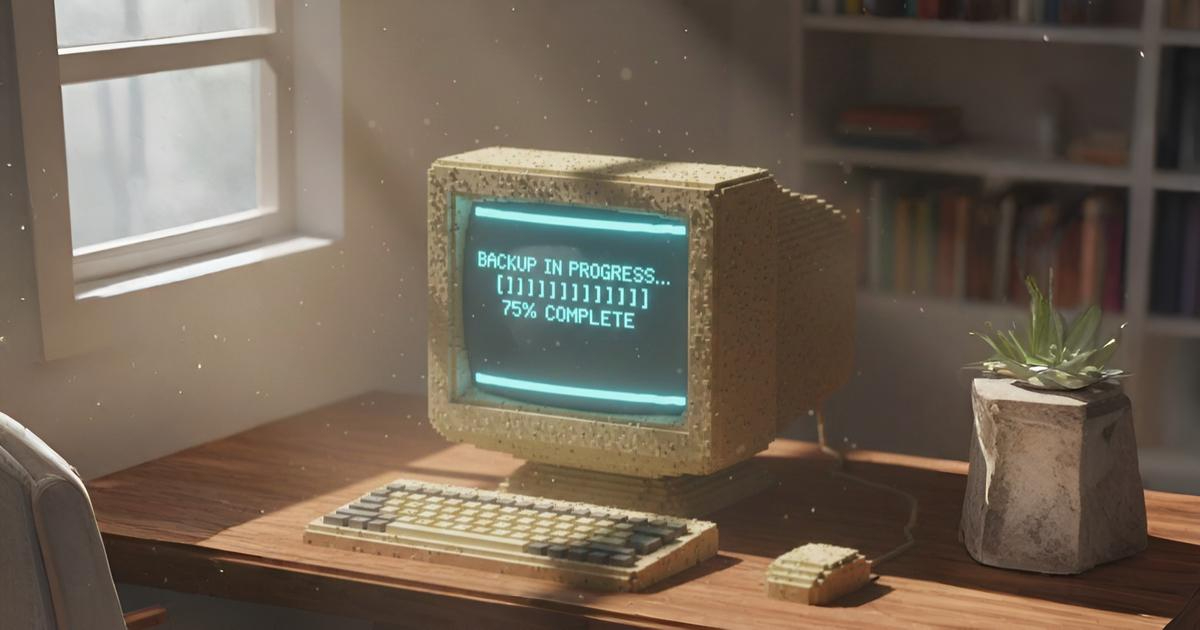
In an era where digital files represent our most precious memories and critical business documents, understanding the fundamental difference between cloud sync vs backup isn’t just technical jargon. It’s essential data hygiene.
Millions of users mistakenly believe their Dropbox, Google Drive, or OneDrive folders constitute a “backup,” leaving them one accidental click or ransomware attack away from catastrophic data loss.
What Is Cloud Synchronization?
Cloud synchronization services like Dropbox, Google Drive, Microsoft OneDrive, and Apple iCloud operate on a simple principle: mirroring. These tools create an exact replica of your selected folders across multiple devices and the cloud. When you edit a document on your laptop, the changes automatically propagate to the cloud.
The primary purpose of sync tools is accessibility and convenience. They ensure that your latest version of a file is available everywhere, enabling seamless collaboration and multi-device workflows.
If you delete a file from your local machine, it typically vanishes from the cloud and all connected devices. If you overwrite a spreadsheet with incorrect data, that error immediately replaces the previous version everywhere.
False Advertisements
Here’s where the confusion begins: many cloud storage providers aggressively market their synchronization services as “backup solutions.” You’ll see claims like “Your files are backed up to the cloud” or “Automatic cloud backup” in their advertising materials.
This is misleading at best and dangerous at worst.
What Is a True Backup?
A true backup is a historical archive insulated from your active working environment. Unlike sync, which mirrors current files, backup creates immutable snapshots of your data at specific points in time, preserving multiple versions regardless of what happens to your live files.
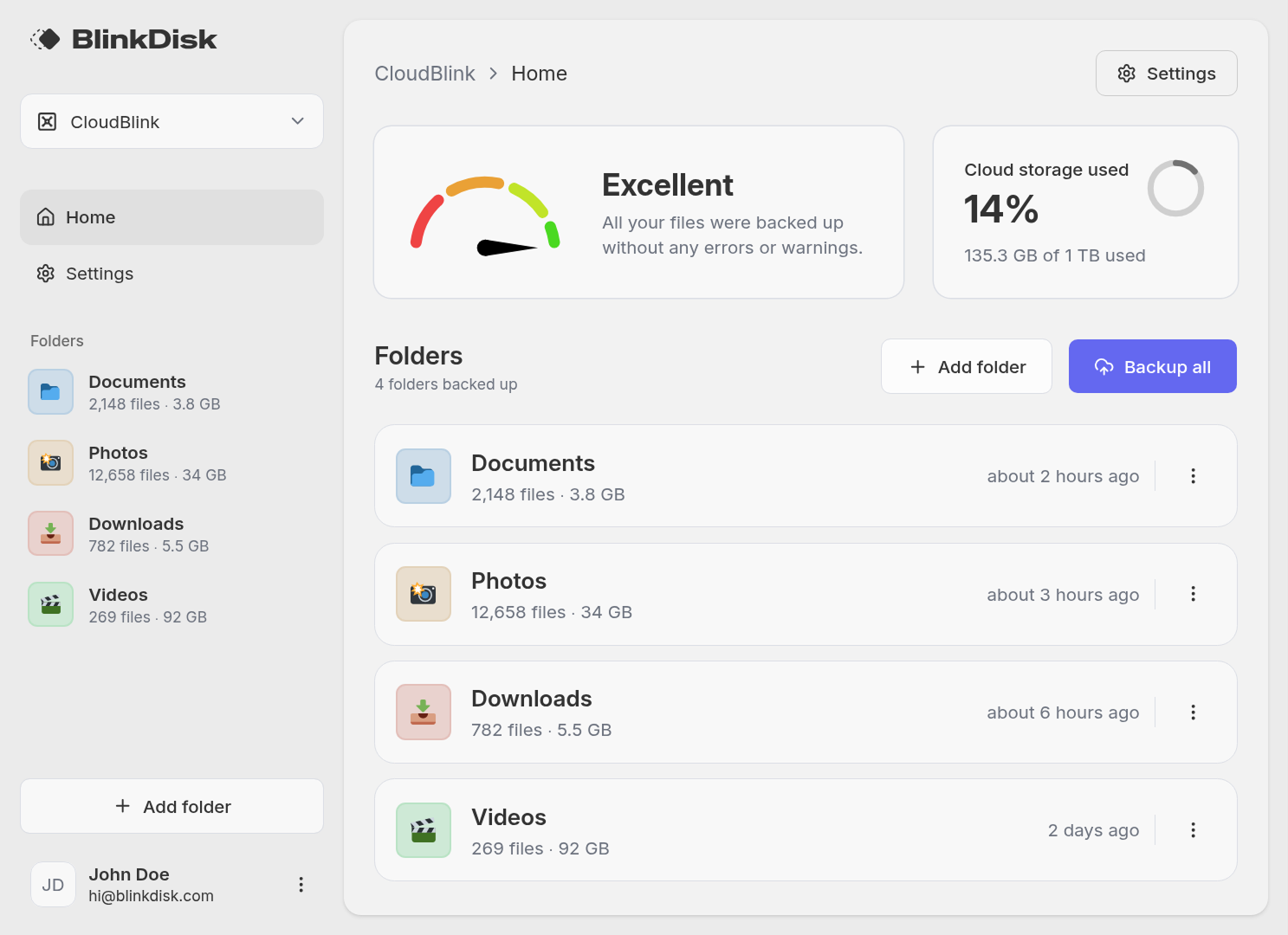
True backup solutions like BlinkDisk, operate on different principles:
Versioning
They keep multiple historical versions of files, allowing you to restore yesterday’s version even if you overwrote it today
Immutability
Backups are read-only and protected from ransomware or accidental deletion
Encryption
End-to-end encryption ensures your data remains private even if the storage provider is compromised
Independence
Backups remain isolated from your active file system; deleting a local file doesn’t touch the backup archive
The Critical Differences
| Cloud Sync | True Backups | |
|---|---|---|
| Primary Goal | File accessibility across devices | Data recovery and protection |
| Deletion Behavior | Propagates deletions to all devices | Retains deleted files indefinitely |
| Overwrite Behavior | Replaces previous versions | Preserves all historical versions |
| Ransomware Protection | Vulnerable (encrypted files sync) | Protected (immutable snapshots) |
When Sync Fails
Understanding the theoretical differences between sync vs backup becomes urgent when you examine real-world failure scenarios where synchronization actively contributes to data loss.
Accidental Deletions
You’re cleaning up your Documents folder and accidentally delete a folder containing three years of tax records. If you’re using Dropbox or Google Drive, that deletion syncs to the cloud within seconds. While these services offer “trash” folders or limited version history, they typically auto-empty after 30 days. If you don’t notice the deletion immediately, or if you’re past the retention window, that data is gone forever.
A true backup solution maintains deleted files indefinitely (based on your retention policy). With a true backup, you could restore that folder from last week’s snapshot, last month’s, or last year’s, completely unaffected by the local deletion.
Accidental Overwrites
You open an important spreadsheet to check a figure, make an unintentional edit, and save the file. In a sync environment, that corrupted or altered version immediately overwrites the good copy on all devices.
True backup solutions capture immutable snapshots. You can mount a backup from yesterday, copy the pristine version of the file, and restore it without affecting your current working environment.
Ransomware Attacks
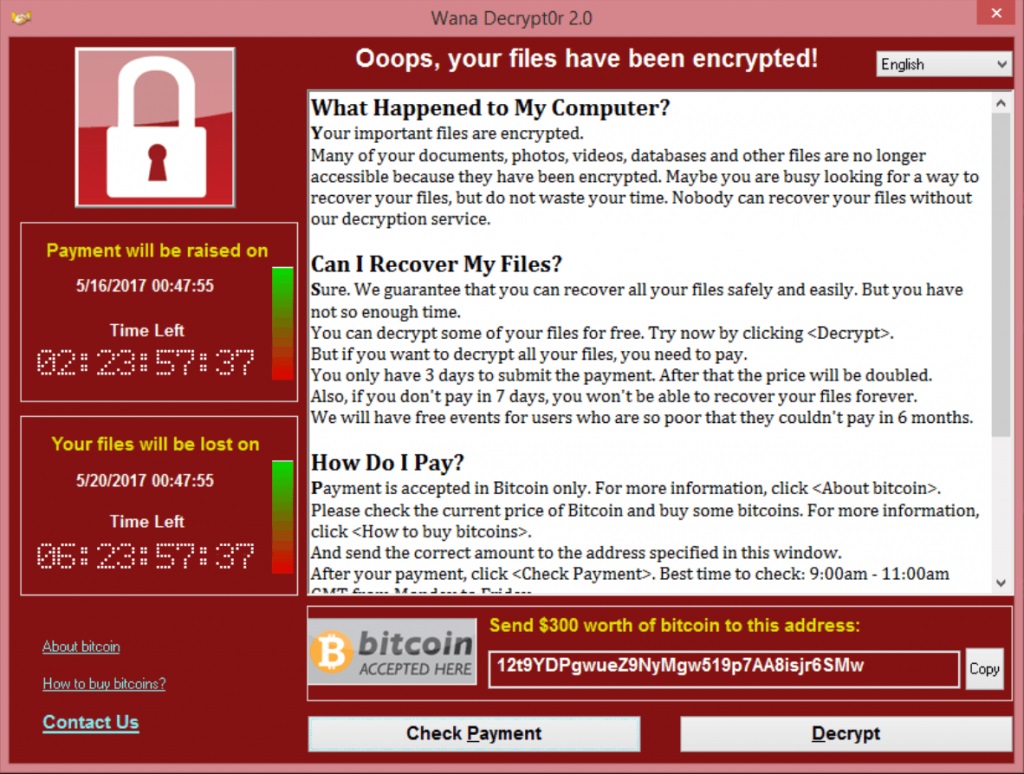
This is where the sync vs backup distinction becomes existential. When ransomware encrypts your files, sync tools faithfully upload those encrypted files to the cloud, overwriting your “good” copies. By the time you discover the attack, your cloud storage contains nothing but encrypted, useless data.
True backup solutions with immutable snapshots are ransomware-proof. Because backups are read-only and versioned, encrypting your local files doesn’t touch your historical snapshots. You can simply wipe your infected machine and restore everything from a pre-attack backup, a process that takes hours rather than the weeks or months required to rebuild from scratch or pay ransom.
The Ideal Approach
This isn’t an either/or decision. Backup and sync are complementary tools, not competitors. The ideal setup looks like this:
| Use Case | |
|---|---|
| Sync | Current projects, collaborative documents, files you across devices |
| Backup | Snapshots, historical archives, deduplicated long-term storage |
Use synchronization for what it does best: collaboration and convenience. Keep your active projects in Dropbox or Google Drive for easy sharing and multi-device access. These tools are productivity powerhouses that enable modern workflows.
But don’t mistake that convenience for protection. For your irreplaceable photos, videos or any critical documents, implement a true backup solution like BlinkDisk running in parallel.
Conclusion
The debate between sync vs backup isn’t about choosing sides. It’s about understanding limits.
Cloud synchronization services revolutionized how we work, but they were never designed to protect against data loss. They propagate changes, not preserve history. True backup solutions like BlinkDisk provide the immutable, encrypted, versioned protection that sync tools fundamentally cannot offer.
Don’t wait for an accidental deletion, overwrite, or ransomware attack to reveal the gaps in your data protection. Use sync for convenience, but secure your digital future with a true backup solution.

Paul Koeck
Backup specialist
Paul works on backup systems, restore workflows, and the everyday problems that make people lose files. He founded BlinkDisk after seeing how much backup software still makes recovery feel harder than it should.
Ready to backup your files? Download BlinkDisk for Free
BlinkDisk is a desktop application that lets you effortlessly create backup copies of all your important files.